

Table of Contents
What Does FTP Stand For?
FTP stands for File Transfer Protocol.
That’s the whole answer. The three letters break down like this:
- F = File — a document, image, video, or any other single item stored on a computer.
- T = Transfer — moving that item from one place to another.
- P = Protocol — an agreed-upon set of rules two computers follow so they can talk to each other.
So the ftp full form is three plain words stacked together, and that’s a set of rules for moving files. The acronym isn’t hiding anything clever. It says exactly what it does, which is rarer in tech than you might expect.
What That Actually Means in Plain English
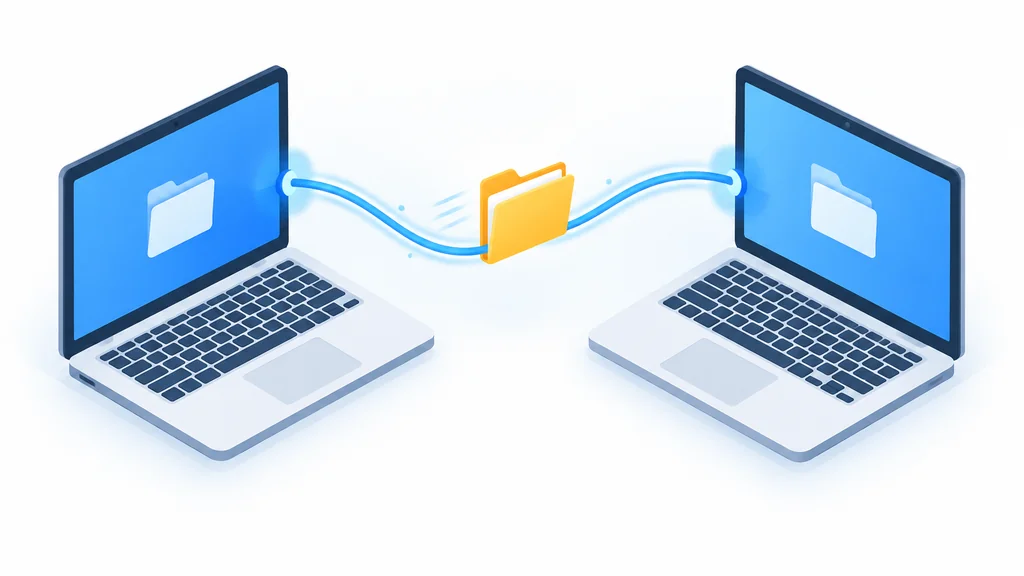
FTP is a decades-old method for moving files between two computers over the internet. One computer asks for a file or sends one; the other agrees and passes it along. That’s the entire idea.
You don’t need to know how the rules work any more than you need to know how a mail sorting facility works to receive a package. The ftp meaning, at the level most people encounter it, is simply “the way files get from here to there.” These days a lot of that moving happens behind a hosting dashboard instead of a manual FTP session. See our breakdown of managed hosting vs. running your own server admin if you’re weighing that choice.
Where the Name Comes From
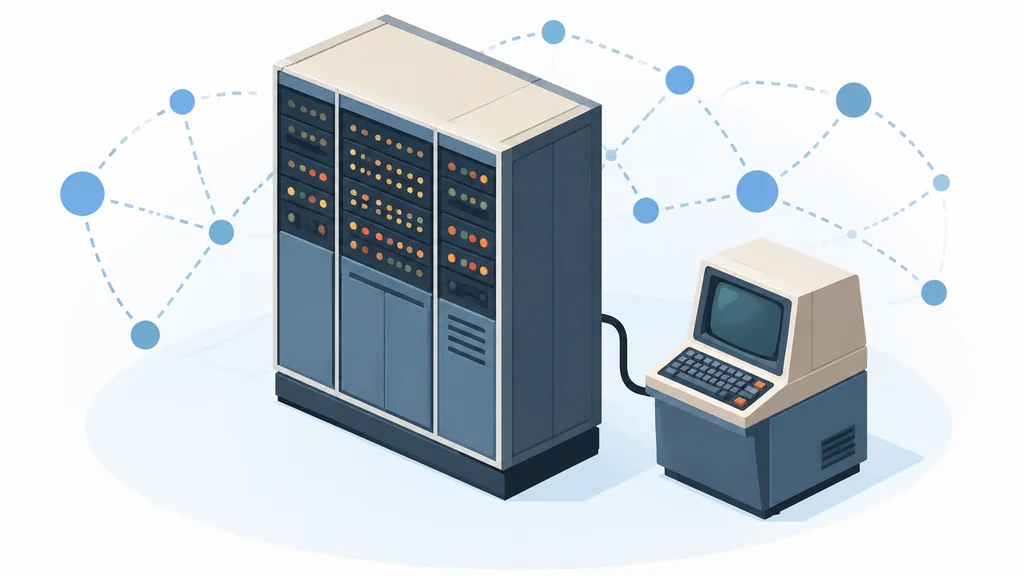
The protocol was created in the early 1970s, well before the web existed. There were no browsers, no websites, no Google yet. The original spec was RFC 114. It went out on April 16, 1971, credited to Abhay Bhushan at MIT.
FTP predates the web by nearly two decades. It was built in the early 1970s, when moving a file between two computers was itself the frontier of what networks could do.
It’s a minor footnote in practice. The name stuck because the job stuck. Files needed to move, and this was the agreed way to do it.
Where You’ll Still Run Into FTP Today
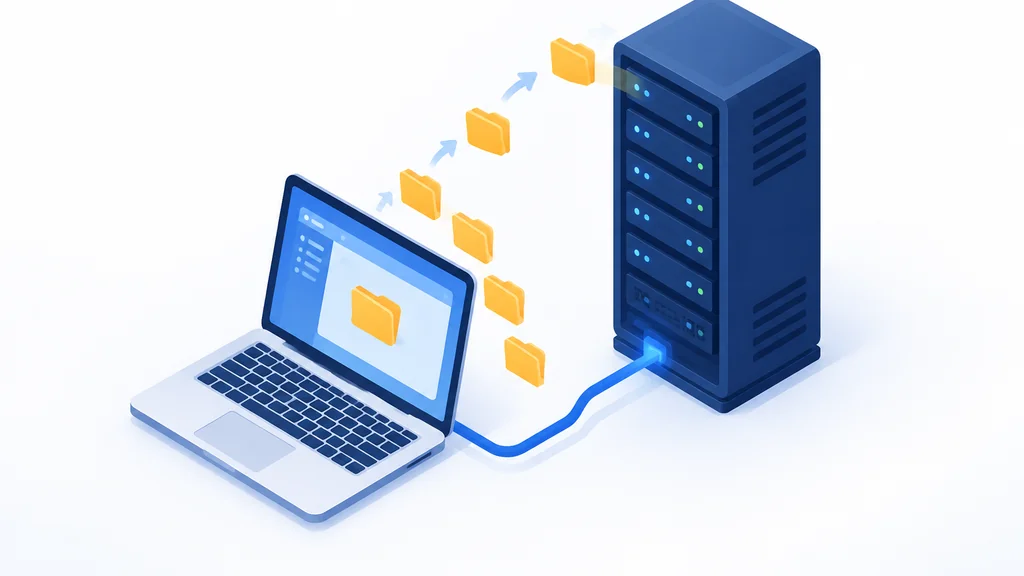
The most common place is website hosting. If you’ve ever built or managed a site, you may have used an FTP client, a small program that connects to your host and lets you drag files from your computer to the server. Many hosts still support it alongside newer options, which is worth knowing if you’re choosing web hosting as a beginner. (Hosting setups sometimes raise a related question about which ports to open, which we cover in FTP Ports 20 and 21: Which Ones to Open and Why.)
Pulling a full backup of your site files through that same FTP client is a third common case. See how to back up a WordPress website for the full walkthrough.
The second place is older equipment and software. Some industrial machines, point-of-sale systems, and legacy business tools still rely on FTP because it works and nobody has bothered to replace it. If you see the letters in a settings menu on a device that looks like it predates your phone, that’s usually why.
FTP, FTPS, and SFTP: Same Root, Different Letters
FTPS and SFTP share the FTP root but add encryption that plain FTP lacks. That means the files and login details are scrambled in transit rather than sent as-is. If you’re actually choosing software or setting up a connection, that difference matters, and we cover it properly in Is FTP Secure? Plain FTP vs FTPS vs SFTP. If you’re just trying to remember what the letters mean, it’s a footnote.
- FTP
- The original protocol. Files and login details travel in plain, unencrypted form.
- FTPS
- FTP with encryption added on top, so the same transfer is scrambled in transit instead of sent as-is.
- SFTP
- Shares the FTP name and the same secure-transfer job, with encryption built in.
Quick Takeaways
- FTP stands for File Transfer Protocol — three words that describe exactly what it does.
- It’s an old, simple method for moving files between two computers, and it predates the web.
- You’ll mostly see it in website hosting and older hardware; newer tools often use encrypted versions instead.
FAQ: Quick Questions About What FTP Means
Is FTP the same as HTTP?
No. Both are protocols for moving data, but they’re built for different jobs. HTTP is what your browser uses to load web pages. FTP is built specifically for sending and receiving files. They can both move a file, but they were designed with different purposes in mind.
Does FTP stand for anything else?
In everyday tech use, no. It’s File Transfer Protocol. The letters occasionally appear in unrelated fields (biology, for instance), but if you saw “FTP” in a hosting panel, an error message, or an old link, it means File Transfer Protocol.
Is FTP still used?
Yes, though less than it once was. Many web hosts still support it alongside newer options, from basic shared hosting to a Linux VPS you manage yourself, and plenty of legacy systems depend on it because it works reliably and replacing it isn’t worth the effort. It’s faded rather than disappeared.
What replaced FTP for most websites?
For publishing and managing website files, tools like SFTP and FTPS are common replacements because they add encryption. Many site owners now skip file transfer entirely and use a control panel, a content management system, or a deployment tool that handles the moving behind the scenes.
Thank you for reading!