

Table of Contents
- What Is FTP and Why Businesses Still Use It
- The FTP Security Problem: Why Plain FTP Is Unsafe
- How FTPS Works: Adding Encryption to FTP
- How SFTP Works: SSH-Based Secure File Transfer
- FTPS vs SFTP: Head-to-Head Comparison
- Common FTP Attack Types (and Why Encryption Stops Them)
- How to Choose: FTP, FTPS, or SFTP for Your Website
- Switching from Plain FTP to a Secure Alternative
- FAQ: Common Questions About FTP Security
What Is FTP and Why Businesses Still Use It

FTP (File Transfer Protocol) is the original way to move files between a computer and a server. It’s been around since the early days of the internet, and it does one job. It copies files from here to there. For a website owner, that usually means pushing updated pages, images, or plugin files up to a hosting account, or pulling a backup down.
The protocol splits its work across two channels. One channel carries your commands and your login, the control connection, and it lives on port 21. The other carries the actual file data, and in active mode that’s port 20. Two channels, two ports, one job. See which FTP ports to open and why if you’re configuring a firewall around this.
So why is something this old still everywhere? Because it’s simple, it’s built into almost every hosting control panel, and it’s the path of least resistance. Your host gave you FTP credentials the day you signed up. Your file manager has an FTP button. Nobody had to install anything or learn anything new.
That convenience is exactly the problem. The thing that makes FTP easy to adopt is the same thing that makes it dangerous to keep using as-is. It was designed for a smaller, more trusting internet, and it never had encryption built in. What got bolted on later (FTPS and SFTP) are the fixes, and they’re what the rest of this article is about.
If you’re still connecting over plain FTP because “it’s always worked,” that’s the failure mode worth naming directly. It has always worked for you, so far, because nobody happened to be watching the wire on the days you logged in. That’s luck, not safety.
The FTP Security Problem: Why Plain FTP Is Unsafe
Plain FTP sends your username, your password, and your files as readable text across the network. Nothing is scrambled. Nothing is wrapped. Anyone positioned on the network path between you and the server can read the whole conversation.
This isn’t a theoretical weakness that requires exotic tools. Packet sniffing (capturing traffic and inspecting it) is a well-understood technique, and tools like Wireshark make it accessible to anyone who can see the traffic. On an open Wi-Fi network, on a shared office network, or anywhere between your laptop and your host, that traffic is exposed.
The credential exposure is the part that should worry you most. Your FTP password crosses the wire in the clear every single time you connect. It doesn’t matter how long or complex that password is. A strong password protects you against guessing. It does nothing against someone reading it directly off the network.
The file data has the same problem. Whatever you upload or download (customer lists, site backups, configuration files, unpublished content) travels unprotected alongside the login.
Plain FTP is also exposed to a broader set of attacks beyond sniffing. Man-in-the-middle interception, brute-force password guessing, and FTP bounce attacks abuse the protocol’s PORT command to route connections through a server and probe other hosts. We’ll walk through each of these in detail later, but the common thread is that none of them require breaking encryption, because there isn’t any.
There’s a business dimension here too. Encrypted file transfer is commonly expected in regulated or compliance-sensitive environments. If your work touches customer data, financial records, or health information, moving files over an unencrypted channel is the kind of thing that draws uncomfortable questions later. Auditors, partners, or your own insurer may all ask about it. The specifics depend on your industry and your obligations. What remains consistent across all of them is that plaintext transfer is increasingly hard to justify.
None of this means plain FTP is unusable in every conceivable context. It means that if you’re using it to move anything that matters, you’re accepting a risk you probably didn’t consciously choose.
How FTPS Works: Adding Encryption to FTP
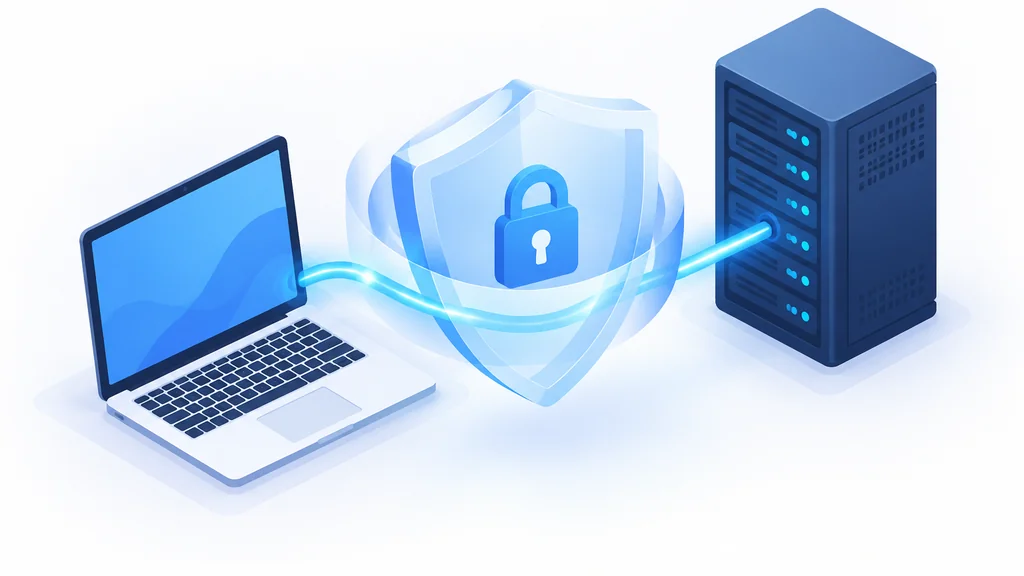
FTPS is FTP with a TLS/SSL encryption layer wrapped around it. The underlying protocol is still FTP (same commands, same two-channel design), but the connection gets upgraded so the contents are encrypted in transit.
FTPS comes in two flavors, and the difference matters more than most people realize.
Implicit FTPS starts the TLS handshake the moment the client connects. Historically this ran on port 990. It’s now considered legacy and isn’t standardized by the RFC process. It was an early approach that predates the modern way of doing things.
Explicit FTPS is the modern default. The client connects in plaintext on port 21, the same as regular FTP, then sends an AUTH TLS or AUTH SSL command to upgrade the session before any credentials are exchanged. The password never crosses the wire unprotected because of this upgrade-before-login sequence. Explicit FTPS is defined in RFC 4217, and if you’re choosing FTPS at all, this is the mode to use.
Here’s the practical trap. A client configured for implicit FTPS cannot connect to a server expecting explicit FTPS, and the reverse is also true. Mismatched mode is one of the most common reasons people try FTPS, hit a connection error, and give up. They conclude that FTPS “doesn’t work” when the real issue is that the two ends are speaking different dialects of the same protocol.
Quick check: FTPS connection failing?
Confirm your client and your server are set to the same mode (implicit or explicit) before assuming FTPS is broken. Explicit on the control port is the modern default; implicit on port 990 is legacy. A mismatch between the two is the single most common cause of an FTPS connection error.
When does FTPS fit? It’s a reasonable choice when your hosting environment already supports it, when you want to keep using familiar FTP tooling and workflows, and when you need encryption without changing how your file transfer is structured. It’s also the natural upgrade path for an existing FTP setup, since the ports and general shape of the connection stay close to what you already have.
FTPS and the padlock icon your browser shows for HTTPS lean on the same TLS mechanics. If you haven’t set that up on the web side yet, adding an SSL certificate to a WordPress site is the equivalent move for your pages.
What FTPS doesn’t do is collapse the two-channel design into one. The control connection and the data connection are still separate, which has consequences for firewalls and for how much of the session is protected depending on configuration. Keep that in mind when we get to the comparison.
How SFTP Works: SSH-Based Secure File Transfer
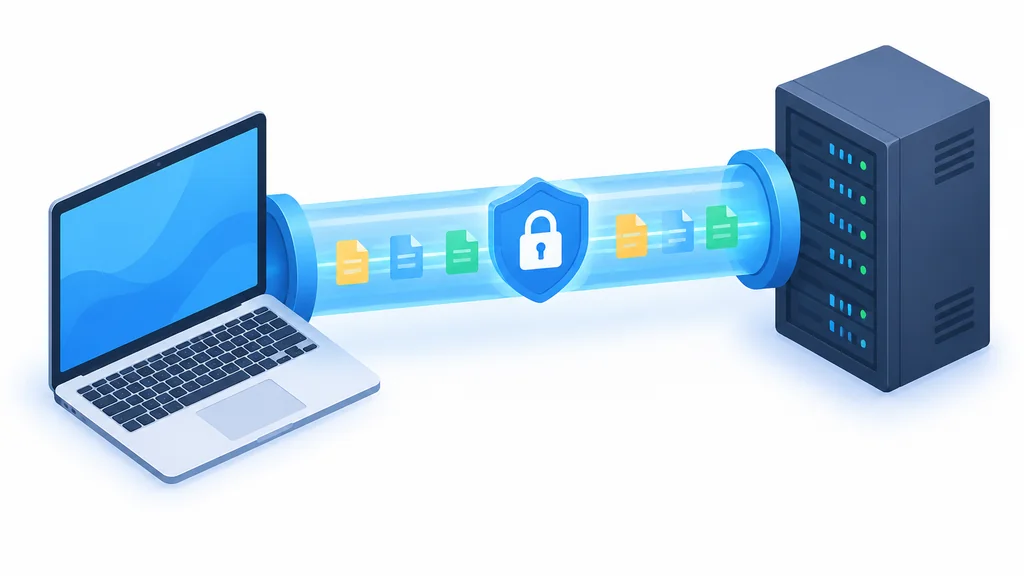
SFTP is not FTP with encryption bolted on. It’s a different protocol entirely (the SSH File Transfer Protocol) and it runs as a subsystem inside a single encrypted SSH session on port 22.
That single-session design is the key difference. SFTP encrypts both the authentication and commands and the file data over one connection. There’s no separate control channel and no separate data channel. Everything travels together, encrypted, start to finish.
The practical benefit shows up in two places.
First, firewall and NAT configuration gets simpler. FTP and FTPS need a control port plus a range of data ports opened up, which is fiddly and easy to get wrong. SFTP needs one port. That’s it. If you’ve ever fought with passive-mode data port ranges, you know exactly how much pain that saves.
Second, there’s less surface area for configuration mistakes. With FTPS, you can end up in a situation where the control channel is encrypted but the data channel handling is more exposed depending on how things are set up. SFTP doesn’t have that ambiguity. It has one channel, encrypted throughout.
The tradeoff is that SFTP is a different tool with different plumbing. Your host has to support it, your client has to be configured for it, and it uses SSH credentials rather than FTP credentials. For most website file management, that’s a small adjustment. For teams already using SSH keys for server access, it’s actually a simplification, because the same key infrastructure can cover both.
FTPS vs SFTP: Head-to-Head Comparison
Both protocols encrypt your transfer. They get there differently, and the differences shape which one fits your setup.
| Factor | FTPS | SFTP |
|---|---|---|
| Encryption approach | TLS/SSL layer wrapped around FTP; explicit mode upgrades the session via AUTH TLS before credentials are exchanged | Runs as a subsystem inside a single encrypted SSH session; authentication, commands, and data all encrypted together |
| Ports / firewall friendliness | Control port plus a range of data ports must be opened; more firewall and NAT configuration required | Single port (22); simpler firewall and NAT configuration |
| Client support | Widely supported, but implicit vs explicit mode mismatches are a common source of connection failures | Widely supported in modern clients and hosting panels; configuration is generally more consistent |
| Performance (qualitative) | Two-channel design can be efficient for bulk transfers depending on configuration | Single-channel design adds a little overhead per file for very large batch transfers, but the difference rarely matters for typical website file management |
A few things worth pulling out of that table.
On encryption scope, the two are not identical. SFTP encrypts everything in one channel. FTPS encrypts the session, but the separate data channel handling can leave more exposed depending on how it’s configured. That’s not a knock on FTPS. It’s a reason to configure it carefully and to understand what you’re actually protecting.
On ports, SFTP’s single-port design is a genuine operational advantage. If your environment has restrictive firewall rules or you’re working through NAT, one port is dramatically easier to reason about than a control port plus a data range.
On performance, keep expectations realistic. SFTP’s single-channel design adds a little overhead per file for very large batch transfers. For the kind of file management most website owners do (pushing up a handful of pages, pulling a backup, updating a plugin), the difference rarely matters. Anyone quoting you a specific percentage advantage for one protocol over the other is working from numbers that don’t generalize to your setup.
On client support, both are broadly available.
Common FTP Attack Types (and Why Encryption Stops Them)

Understanding the attacks is the fastest way to understand why the encryption layer matters. Here are the four that come up most.
- Man-in-the-middle attacks
- An attacker intercepts or alters traffic between you and the server in transit.
- Credential sniffing
- An attacker captures network traffic and reads your username and password directly out of it.
- Brute-force password guessing
- An attacker repeatedly tries passwords until one works.
- FTP bounce attacks
- An attacker abuses the PORT command to route a connection through your server and probe other hosts.
Man-in-the-middle attacks. An attacker positions themselves between you and the server, intercepting or altering the traffic in transit. With plain FTP, there’s nothing to stop them. The session is readable and modifiable. With FTPS or SFTP, the traffic is encrypted, so an interceptor gets ciphertext rather than credentials and file contents. This substantially reduces the risk, though as with any security control, it’s a layer of defense rather than an absolute guarantee.
Credential sniffing. This is the packet-sniffing problem in attack form. Someone captures network traffic and reads your username and password directly out of it. Plain FTP hands these over on every connection. FTPS in explicit mode upgrades the session before credentials are exchanged, so the password never travels in the clear. SFTP encrypts the authentication inside the SSH session from the start. Either way, the credential is no longer sitting in readable form on the wire.
Brute-force password guessing. An attacker repeatedly tries passwords until one works. This attack doesn’t depend on reading your traffic. It depends on being able to make unlimited attempts. Encryption doesn’t stop brute-force attempts from being made, but it changes the surrounding risk picture. When credentials can’t be sniffed, an attacker is forced into guessing, which is a much less reliable path. Strong, unique passwords and rate limiting on the server side remain the direct defenses here.
FTP bounce attacks. This one abuses the protocol itself. The attacker uses the PORT command to route a connection through your FTP server as a proxy, using it to scan or reach other hosts. It’s a way of turning your server into a tool for probing systems it can see but the attacker can’t. Moving to SFTP removes this attack surface entirely, because SFTP doesn’t use the FTP command set or the two-channel PORT mechanism at all. FTPS keeps the FTP command structure, so the mitigation there comes from the encryption and from server configuration rather than from the protocol’s shape.
The pattern across all four is simple. Plain FTP’s problem isn’t a single bug you can patch. It’s that the protocol was built to transmit in the clear, and every attack above exploits that design choice. Encryption doesn’t fix FTP. It replaces the parts that were never safe to begin with.
How to Choose: FTP, FTPS, or SFTP for Your Website
Plain FTP should be off the table for anything you care about. The remaining question is FTPS or SFTP, and the right pick depends on your setup.
Shared hosting. Most shared hosts support SFTP, and many support FTPS as well. If both are available, SFTP is usually the simpler choice (one port, one connection, fewer configuration traps). Check your host’s documentation for which protocols they expose and on which ports. If your host only offers FTPS, use explicit mode and confirm the setting before you assume it’s broken. Starting from scratch, which web hosting is best for beginners is worth reading before you pick a plan.
VPS or dedicated server. You have more control here, which means more responsibility. SFTP is typically already running if SSH is enabled, so there’s often nothing to install. See what Linux VPS hosting actually gives you if you’re weighing the move. If you’re configuring FTPS instead, be deliberate about explicit versus implicit mode and about which data ports you open. On a server you manage, the single-port simplicity of SFTP is a real operational win, though it’s worth knowing what managed hosting vs. running your own server admin actually costs before you take that on yourself.
A development team. Consistency matters more than which protocol you pick. If your developers already use SSH keys for server access, SFTP fits naturally into that workflow (same credentials, same tooling, one less thing to manage). If the team is standardized on FTP clients and workflows, explicit FTPS is a smaller change. Either way, pick one and document it, because mixed setups are where connection failures breed.
Compliance-sensitive data. If your files touch customer records, financial information, or health data, encrypted transfer is commonly expected in regulated or compliance-sensitive environments. The same thinking that shows up when exploring data security issues and solutions in cloud computing applies directly to file transfer. The specific obligations depend on your industry and jurisdiction, so confirm what applies to you rather than assuming. What’s consistent across those environments is this. Plaintext transfer is hard to defend, and encrypted transfer is the baseline expectation. Between FTPS and SFTP, SFTP’s single encrypted channel gives you a cleaner story about what’s protected.
A quick rule of thumb: if you have a choice and no strong reason to pick otherwise, SFTP is the default. Choose explicit FTPS when your host or your tooling makes it the practical option.
Switching from Plain FTP to a Secure Alternative
The migration is less work than it sounds. Here’s the sequence.
Check what your host supports. Log into your hosting control panel and look for SFTP or FTPS settings. Most hosts document this clearly. If you can’t find it, ask support directly which protocols are available and on which ports. This one step determines everything that follows.
Update your FTP client configuration. In your file transfer client, create a new connection profile rather than editing the existing one. That way you can fall back if something goes wrong. Set the protocol to SFTP or explicit FTPS. For SFTP, you’ll typically use the SSH port and your SSH credentials. For explicit FTPS, you’ll connect on the control port and let the client negotiate the TLS upgrade. If you’re using FTPS and the connection fails, check whether your client and server are set to the same mode. Implicit versus explicit mismatch is the most common culprit.
Test before you rely on it. Connect, list the directory, upload a small file, download it back, and confirm it’s intact. Use a throwaway test file for this, something you can afford to lose. Once the connection works reliably, update any saved shortcuts, scripts, or automated jobs that point at the old FTP setup. If you don’t already have a current one, this is also a good moment to confirm how to back up a WordPress website before you start moving files around.
Retire the old FTP credentials. This is the step people skip, and it’s the one that matters most. Disable or delete the plain FTP account on the server side. Change the password on any account that had FTP access. If you leave the old credentials active “just in case,” you’ve moved your files to a secure channel while leaving an insecure door propped open — and that door is exactly what an attacker will use.
The whole process is usually an afternoon, and most of that time is spent on the testing and the credential cleanup rather than the configuration.
Conclusion
Plain FTP transmits your password and your files in the clear, and that single design fact is the root of all the attacks covered above. A stronger password doesn’t fix it. Only encryption does.
FTPS and SFTP both solve the core problem, and they solve it differently. FTPS wraps TLS around the existing FTP structure, with explicit mode (RFC 4217) as the modern default and implicit mode as legacy. SFTP runs inside a single encrypted SSH session on that port, encrypting commands and data together over one connection.
For most website owners, SFTP is the simpler and cleaner choice. Its single, unified design means less to configure and less to get wrong. Explicit FTPS is a solid option when your host or your tooling makes it the practical path.
What matters most isn’t which of the two you pick. It’s that you stop sending credentials and files over an unencrypted connection, and that you retire the old plain FTP access once you’ve switched. Encryption substantially reduces the risk. Leaving the old door open undoes the work.
FAQ: Common Questions About FTP Security
Does my host support SFTP?
Most hosting providers do, but it’s not universal, and it’s not always enabled by default. Check your control panel for SFTP settings, or ask support directly which secure protocols they offer and on which ports. If your host only supports FTPS, that’s still a major improvement over plain FTP. Just use explicit mode.
Can I run FTP and SFTP in parallel?
Technically yes, and many servers do during a transition period. Practically, you shouldn’t leave plain FTP running longer than you have to. Every day the old credentials stay active is a day someone can use them. Run both while you migrate, then disable the plain FTP account once everything is confirmed working on the secure side.
How do I know if my connection is encrypted?
Check the protocol setting in your client. If it says FTP, it’s not encrypted. If it says SFTP, or FTPS with TLS, the session is encrypted. Many clients also show a lock icon or a connection log line indicating the encryption status. Worth checking the first time you connect with a new profile.
Is FTPS as secure as SFTP?
They’re not identical, and the difference is in scope. SFTP encrypts authentication, commands, and file data together in a single SSH channel. FTPS encrypts the session, but the separate data channel handling can leave more exposed depending on how it’s configured. Both are substantial improvements over plain FTP. If you want the simpler story about what’s protected end to end, SFTP has the edge.
Thank you for reading!